
What is partial invoice matching?
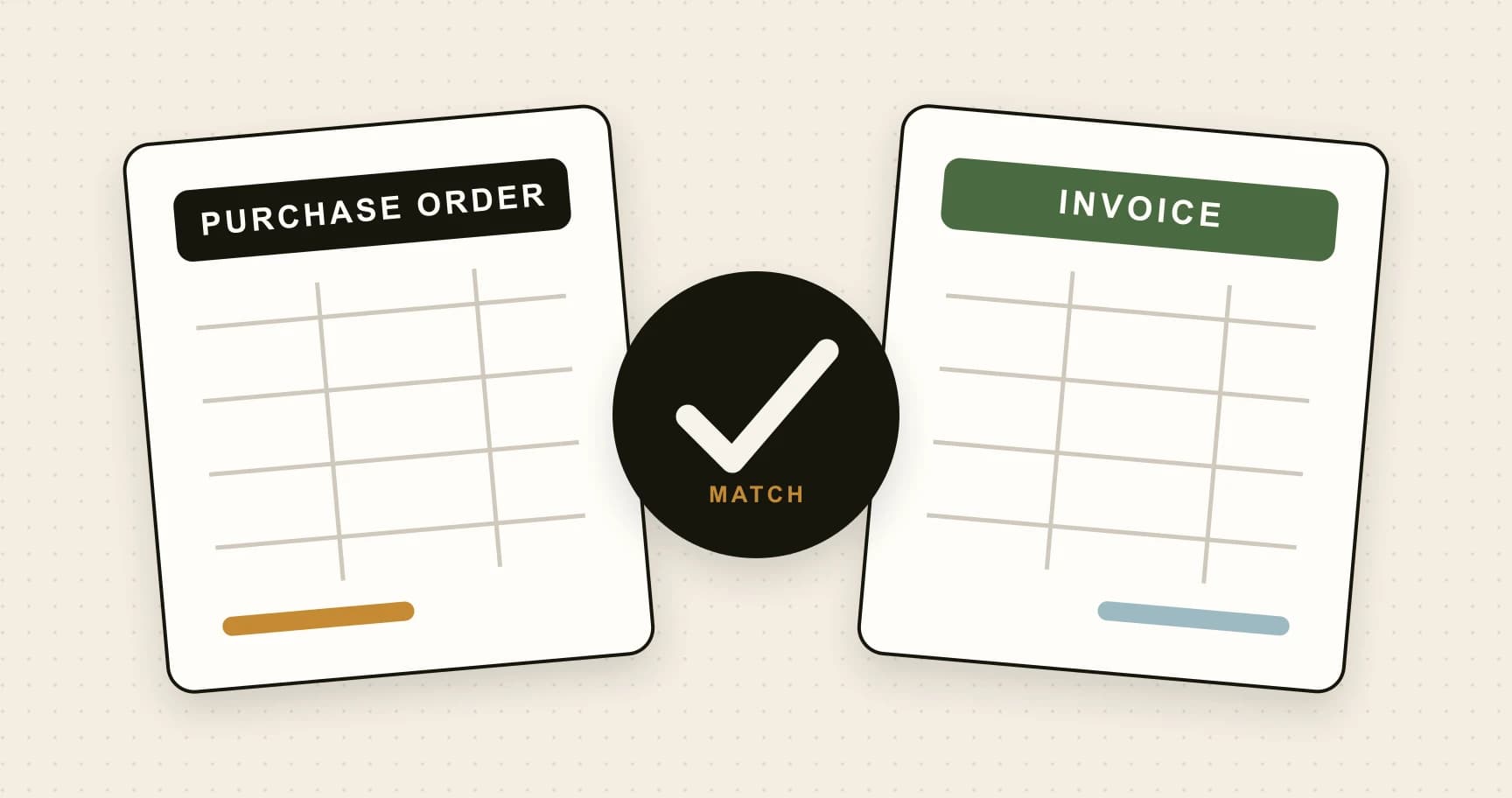
Partial invoice matching is the process of matching an invoice to the relevant portion of a purchase order and, when required, receipt evidence, while tracking quantities and values already billed against that order.
A supplier rarely waits for every item on a large order to arrive before sending an invoice. Stock ships in batches, projects reach milestones and backorders remain open. AP needs to validate each bill without treating the whole order as complete.
The crucial distinction: an invoice can fully match a partial delivery. If 40 of 100 ordered units arrive and the supplier correctly invoices 40, the invoice can pass the matching checks. The remaining 60 units belong to the open order, not an invoice exception.
A partially matched invoice is different: some of that invoice lacks sufficient matching evidence. A partial payment is different again: only part of an invoice has been settled. Keeping these statuses separate prevents misleading approval messages and supplier conversations.
Why the details matter: AP in numbers
Ardent Partners’ AP Metrics that Matter in 2025 reports a substantial performance gap between its best-performing cohort and other organisations.
| Measure | Best-in-class | All others |
|---|---|---|
| Invoice exception rate | 9.0% | 22.0% |
| Average processing time | 3.1 days | 17.4 days |
The report draws on 212 respondents surveyed during March–May 2024. Best-in-class means the top 20% by processing cost and cycle time. These are broader AP benchmarks, not measurements of partial matching alone or a promise of software results.
For partial deliveries, the practical opportunity is straightforward: stop flagging a correct small invoice simply because the PO is larger, while still catching quantities that have already been billed. Good automation needs both behaviours.
Worked example: 100 units, three invoices
Imagine an approved PO for 100 components at £25 each: £2,500 net. The supplier delivers and invoices in three batches. Prices stay unchanged; this example excludes tax and freight to make the quantity logic clear.
| Batch | Received / billed units | Invoice value | Total billed units | PO remaining |
|---|---|---|---|---|
| A | 40 / 40 | £1,000 | 40 | 60 units / £1,500 |
| B | 35 / 35 | £875 | 75 | 25 units / £625 |
| C | 25 / 25 | £625 | 100 | 0 units / £0 |
Each invoice can match in full. Only after batch C does the invoiced quantity reach the approved order quantity. The system should show invoice status and order status independently throughout.
The overbilling trap
Now change invoice B to 60 units. There are still 60 units left on the PO, but only 35 newly received units are available. Under a receipt-based policy, the extra 25 units, worth £625, need investigation. Checking only the remaining order balance would miss that problem.
Keep the approved PO ceiling as a separate check. Oracle’s Payables documentation on receipt matching describes checking previously billed quantities and supporting partial shipments without unnecessary holds. A receipt balance and a PO balance answer different questions.

How the matching workflow should work
Microsoft’s invoice matching documentation distinguishes price checks against purchase orders from quantity checks against product receipts. Use that distinction to define which evidence your process requires before configuring automation.
- Identify the invoice. Capture the supplier, buying entity, invoice number, currency and PO reference. Check for duplicates before allocating quantities. The same supplier invoice arriving through email and upload must not reserve the order twice.
- Match the correct lines. Compare item codes, descriptions and units of measure. Ten boxes containing ten components each are not ten individual components. Record any conversion explicitly and keep unrelated PO lines separate.
- Check price and receipt evidence. Validate the agreed unit rate and relevant discounts. For three way matching, connect quantities to accepted receipts. For services, use the acceptance evidence required by the contract and approval policy.
- Calculate cumulative availability. Include prior invoices, pending allocations and relevant credits. Recheck availability when saving the match, not just when opening the screen. Concurrent reviewers must not allocate the same remaining quantity.
- Route a specific exception. Identify the affected line, quantity or amount and the person who can resolve it. A receiving owner handles missing evidence; a buyer investigates disputed terms. Preserve valid matches while the remaining issue is investigated.
- Record the decision and handoff. Retain source documents, allocations, tolerances, overrides and approver identity. Carry the outcome into the accounting workflow. Matching success should not silently bypass approval authority or release a bank payment.
Configuration details matter. Microsoft documents a price-total check that, for partially invoiced PO lines, runs on the final invoice. Ask your provider to demonstrate exactly when cumulative checks occur; do not assume every platform checks every total at every stage.
Handle the awkward cases deliberately
Missing receipts and disputed lines
An invoice may arrive before the warehouse records delivery. Assign the missing receipt task and rerun matching when evidence arrives. If only one line is disputed, show that line clearly. Whether the invoice can proceed in part depends on your accounting system and approval policy; matching a line does not itself authorise partial settlement.
Services, milestones and blanket orders
A £10,000 project may be billed against approved milestones rather than physical quantities. Track the accepted milestone value and cumulative billing against the contract. For blanket orders, identify the applicable release or call-off: a large annual ceiling alone is weak evidence for a particular invoice.
Credits, returns and cancellations
Distinguish a price correction from a quantity reversal. A £50 price credit should not automatically restore two units of receipt availability. Link corrections to their original allocation, record returned goods separately and respect cancelled order quantities when calculating what remains authorised.
Tax, freight and tolerances
Keep quantity checks separate from tax, delivery charges and rounding. Compare amounts on a consistent basis and currency. Define authorised absolute and percentage tolerances with clear ownership. A tiny price variance may be acceptable; missing receipt evidence should not disappear inside a generous value tolerance.
Test the controls before relying on automation
Build a small acceptance pack using realistic, anonymised documents. Include a clean partial delivery, an invoice exceeding the receipt, a duplicate upload, a price-only credit, a cancelled balance and two invoices competing for the same receipt. Check the resulting balances as well as the status labels.
Then test the human workflow: can a reviewer see the original invoice immediately, identify the exact difference and resolve one issue without losing unrelated evidence? Every correction should explain what changed and who changed it.
Track first-pass matching rate, exception age, value awaiting receipt evidence and cumulative overbilling attempts. Segment partial deliveries from complete deliveries so normal staged fulfilment does not inflate the exception rate. Review recurring causes with buyers and receiving teams rather than only increasing automation targets.
For wider context, APQC’s accounts payable benchmarks include cost per invoice and first-time error-free processing. Pair efficiency measures with accuracy: a fast workflow that allocates the same goods twice has not improved control.
Start with one purchasing category
Choose a supplier group with reliable PO references and frequent split deliveries. Before switching on automatic decisions, reconcile its open orders: which quantities were received, which invoices were recorded elsewhere, and which balances were cancelled? Importing an open PO without its billing history can make previously consumed quantities appear available again.
Run the proposed rules alongside a reviewer for an initial sample. Compare each suggested allocation with the actual paperwork, then investigate disagreements. Look for repeated causes such as inconsistent item codes, delayed receipts or suppliers combining several orders on one invoice. Fix those causes before expanding the rollout.
Make the status useful to the next person
A reviewer should see a sentence such as “40 units matched to receipt A; 60 units remain on the order.” If evidence is missing, show “25 invoiced units awaiting receipt confirmation,” alongside the owner and next action. Avoid a single ambiguous “partial” badge that could describe receipt, matching, approval or payment.
At period end, reconcile the matching record with the accounting ledger and investigate differences. Keep rejected invoices and cancelled allocations in the audit trail without letting them consume availability indefinitely. This makes the next invoice easier to assess and gives the team an explainable balance.
Frequently asked questions
What is partial invoice matching?
Partial invoice matching connects an invoice to the relevant portion of a purchase order and, where required, receipt evidence. It tracks quantities and values already invoiced so the remaining balance stays accurate.
Can an invoice fully match a partially delivered purchase order?
Yes. If 40 of 100 ordered units arrive and the invoice correctly bills those 40 units, that invoice can fully match. The purchase order remains open for the other 60 units.
Does partial matching require three way matching?
No. Two way matching can check a partial invoice against the purchase order. Three way matching also checks receipt evidence, which helps identify invoices for goods that have not yet arrived.
What if the invoice arrives before the goods receipt?
Route the missing receipt exception to the receiving owner. Recheck the invoice when evidence is recorded. Do not invent a receipt or widen tolerances merely to make the invoice pass.
How should credit notes affect the remaining balance?
Link the credit to the original invoice and PO allocation. A quantity credit and a price-only credit affect different balances; a return does not automatically authorise a replacement purchase or make goods available to invoice again.
Is partial invoice matching the same as a partial payment?
No. Matching checks the invoice against purchasing and receipt evidence. A partial payment settles only part of an invoice. Approval, accounting and payment decisions require their own controls and should remain separately visible.
References
- Ardent Partners — AP Metrics that Matter in 2025, pages 25–27 and 35: cohort definition, benchmarks and methodology.
- Microsoft Learn — Accounts payable invoice matching: matching policies, tolerances and partial invoicing.
- Oracle Payables User’s Guide — Invoices: matching to receipts and billed quantities.
- APQC — Accounts Payable Key Benchmarks: operational performance measures.
Bring your invoice workflow into focus
Explore ArrowBill’s invoice capture and approval workflow with your own documents, rules and team.
 Published guide
 Published guide
 Published guide