
An accounts payable workflow is the agreed route a supplier invoice follows from arrival to final reconciliation. It explains what must happen, who is responsible for each decision and what evidence should remain with the invoice.
The purpose is not to add administration. It is to stop invoices disappearing into inboxes, sitting with the wrong approver or reaching payment before important questions have been answered. A clear workflow makes an ordinary invoice easy to process and an incomplete or unusual invoice easy to identify.
Start with the way your team actually works today. Then remove unnecessary handoffs, define the missing decisions and give every stage a clear owner. The following eight steps provide a practical structure.
1. Define where the workflow starts and finishes
Agree on the boundaries before drawing the process. The workflow might start when an original invoice reaches a dedicated email address, portal or electronic feed. It might finish when the payment has cleared the bank and the supplier account has been reconciled.
Write down what a completed invoice should contain. This normally includes the original document, receipt date, supplier identity, invoice number, dates, amount, currency, tax treatment, accounting code, approval record and payment outcome. If your process also needs an order, receipt confirmation or contract, include that evidence in the definition.
Keep the first version focused. Cover the supplier invoices that create most of the work and risk. Expenses, subcontractors, recurring charges or specialist payment types can have their own routes later if the standard workflow does not fit them.
2. Follow real invoices through the current process
Procedure documents rarely show every handoff. Choose several recent invoices and follow what happened from receipt to payment. Include one straightforward invoice, one without a purchase order, one with a price or quantity difference and one that was paid late.
For each invoice, note where it arrived, who opened it, where its details were entered, who was asked to approve it and how any questions were resolved. Pay particular attention to waiting time. An invoice may take only a few minutes of active work while spending days in an inbox.
Look for repeated data entry, approvals requested without the supporting documents, checks that rely on one person’s memory and exceptions mixed into the ordinary queue. These are useful starting points because they show where clearer ownership or a simpler route will make the greatest difference.
3. Give every stage one accountable owner
The AP team can coordinate the workflow, but it should not be expected to make every decision. AP can receive and validate the invoice, search for duplicates, prepare coding and manage the queue. The person who ordered or received the goods should confirm that the purchase was delivered. The budget owner should accept the cost. Finance should review accounting or tax questions, while a separate payment approver should control the final release where practical.
Name a role or team instead of writing “Finance” beside every step. Define who acts when the usual owner is absent and when an overdue task moves to a manager. The workflow should continue when a particular employee is on leave.
Separate responsibilities that would create unnecessary risk if one person controlled them all. The person who changes supplier bank details should not be the only person who releases the next payment. The person who prepares an invoice for payment should not provide the only approval for the underlying purchase.
4. Design the shortest controlled route for a complete invoice
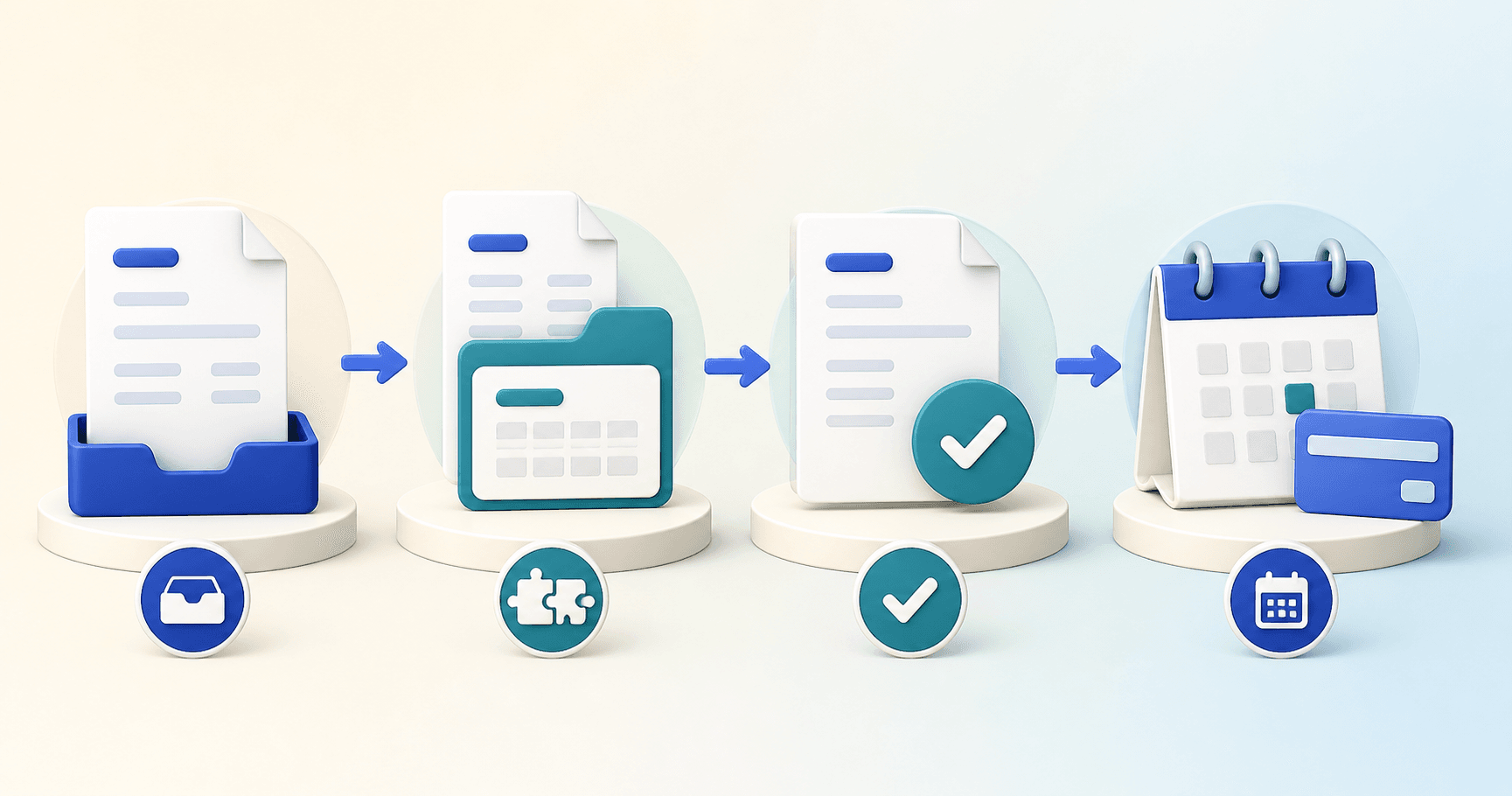
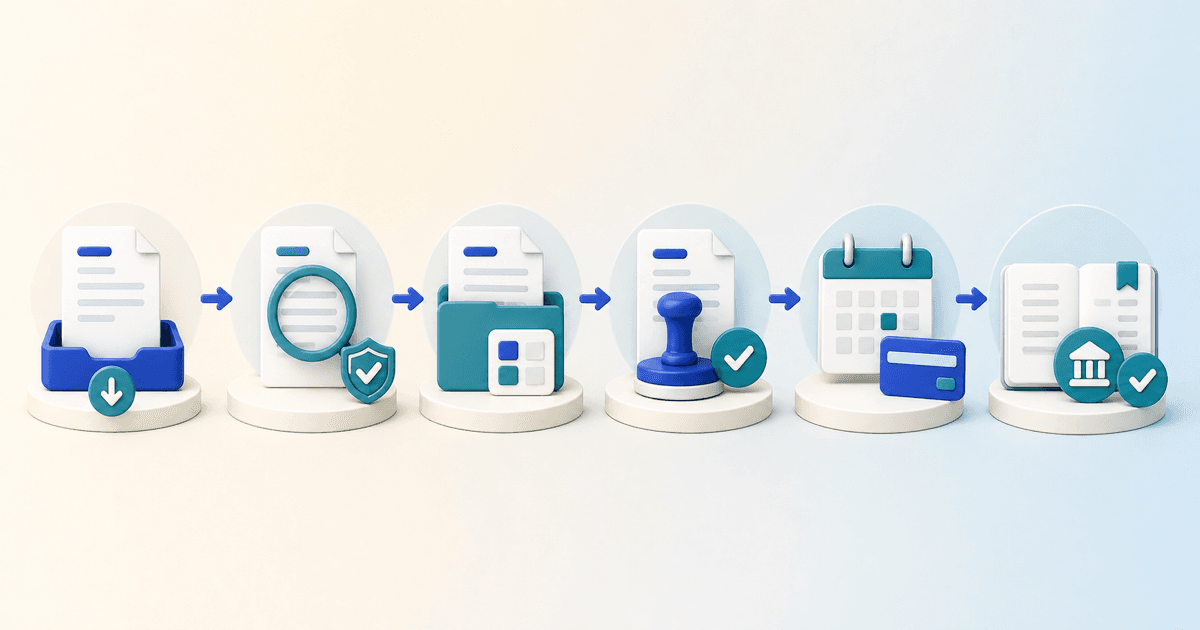
A normal invoice should move through a simple sequence. First, preserve the original document and receipt time. Next, check the required details and search for duplicates. Then compare the invoice with the order, receipt or contract, prepare the accounting treatment and send the complete record for approval.
Once approval is complete, create the supplier bill in the accounting system with the supporting document and decision history attached. When the bill is due, select it for payment using verified supplier details and independent payment authority. Finally, match the bank outcome to the payment and invoices.
Define what must be true before each handoff. Approval should begin only when the record contains enough information for a decision. Posting should begin only after the required approvals are complete. Payment should begin only when the recorded bill is due, unblocked and supported by verified supplier information.
For more detail on the checks within this route, read How to process an invoice from receipt to payment.
5. Set approval rules around authority and risk
Approval should go to someone who understands the purchase and has authority for the relevant budget. Start with that business owner, then add another review only where the value, supplier, category or exception justifies it.
Use delegated limits so larger commitments reach someone with greater authority. Route project or department costs to the manager who owns that budget. Add specialist finance review for unusual tax treatment, sensitive categories or accounting uncertainty. New suppliers, urgent payments and recently changed bank details may also require additional checking.
Make the purpose of every approval clear. Sending an invoice to several people does not improve control if none of them knows what they are expected to confirm. Each approver should see the invoice, order or contract, receipt evidence, coding, differences and earlier decisions in one place.
6. Decide how exceptions will be resolved
Exceptions are part of the workflow. Decide which problems block an invoice, who owns the next action and what evidence allows it to continue. Keep the reason visible with the invoice so the team does not have to reconstruct it from an email chain.
A possible duplicate should return to AP for investigation. A quantity or price difference normally belongs with the buyer or requester. Missing receipt evidence belongs with the team that received the goods or service. A changed bank account should be independently verified by the person responsible for supplier records. Tax or coding uncertainty should go to the appropriate finance reviewer.
Give each exception a target response time and escalation path. A reminder should explain what is blocked, its value, how long it has waited and the decision required. This lets managers resolve the oldest or most important items without holding up valid invoices in the normal queue.
7. Connect approval with posting and payment
Approval is not the end of the workflow. Define what is sent to the accounting system and who deals with a rejected posting. The supplier, invoice number, dates, currency, coding, tax, line values, approval record and source document should remain connected rather than being transferred as separate fragments.
The payment stage should select only approved, due and unblocked bills. Proposed payments should remain visible before release, with verified bank details and separate payment authority. After release, use the bank result to confirm which payments cleared and investigate anything rejected, returned or left unallocated.
Keep technical failures separate from business exceptions. A rejected account code needs a coding correction. A disputed delivery needs a commercial decision. A failed bank payment needs payment investigation. Clear categories send the problem to the right owner quickly.
8. Test the workflow before expanding it
Pilot the workflow with one department, location or supplier group. Use enough invoices to expose absence, missing evidence and unusual cases. Ask each participant whether they can see the information needed for their decision and whether the next owner is obvious.
Measure first pass completion, approval time, exception age, invoices approaching their due date, on time payment and duplicate prevention. Review the invoices that waited longest or returned most often. They usually show where a rule is unclear or a handoff still depends on manual chasing.
Make those corrections before expanding the workflow. Add new teams and specialist routes in stages, while keeping the same definitions and reporting across the business. Review the workflow after the first month and regularly after that so it continues to reflect real purchases, responsibilities and risks.
Using software to support the workflow
AP workflow software can collect invoices into one queue, extract important fields, identify possible duplicates, match documents, suggest coding, apply approval rules and record every decision. It can also show where work is waiting and send approved bills to the accounting system with the supporting record attached.
Technology works best after the team agrees the intended route, roles and exception rules. If the policy does not say who owns a missing receipt or when a difference is acceptable, automation cannot make that decision safely. Use software to make a clear process easier to follow rather than preserving an unclear process at greater speed.
Map the workflow before you implement it
Use ArrowBill's free accounting and finance flowchart builder to lay out intake, matching, coding, tax, approvals, exceptions, posting, payment and reconciliation. It is a planning canvas, not a live invoice test or compliance-framework assessment, and it does not certify the resulting design. No account or sign-in is required.
Frequently asked questions
What is an accounts payable workflow?
It is the defined route a supplier invoice follows from receipt through validation, matching, coding, approval, posting, payment and reconciliation. It also defines what happens when an invoice is incomplete, disputed or outside policy.
Who should own the accounts payable workflow?
A finance process owner should be accountable for the complete workflow. Individual tasks can belong to AP staff, buyers, budget owners, receiving teams, accounting and payment approvers, but one owner should resolve gaps between those teams.
How many approval levels should the workflow have?
Use the fewest levels that properly control the risk. Approval should reflect value, supplier risk, budget ownership and exceptions. Adding the same extra approval to every invoice often creates delay without improving the decision.
When should AP workflow software be introduced?
Introduce software after the team agrees the intended route, responsibilities and exception rules. Technology can automate capture, checks, routing and records, but it should implement a clear policy rather than define the policy on its own.
 Published guide
 Published guide
 Published guide
 Published guide