
An invoice approval workflow is the controlled sequence that turns a supplier bill into an authorised accounting record. It defines what must be checked, who can decide, when additional authority is required and what evidence remains after the decision.
The workflow starts before an approver clicks a button. A manager cannot make a useful decision if the supplier, amount, purchase evidence, coding or exception is unclear. Good approval therefore connects invoice validation and coding with the commercial decision.
What an invoice approval workflow controls
Invoice approval confirms that a liability is genuine, accurate, allocated correctly and authorised under the organisation's policy before it proceeds to accounting and payment preparation.
Approval is not the same as data entry, bookkeeping or bank release. One person may prepare the invoice, a budget owner confirms the purchase and a separately authorised user releases payment. Keeping those responsibilities distinct reduces the risk that one account can create and complete an inappropriate transaction.
The six stages of an invoice approval workflow
- Receipt. Capture the invoice through a controlled email address, upload or scan and preserve the original.
- Validation. Check supplier, invoice number, dates, totals, tax, duplicates and required details.
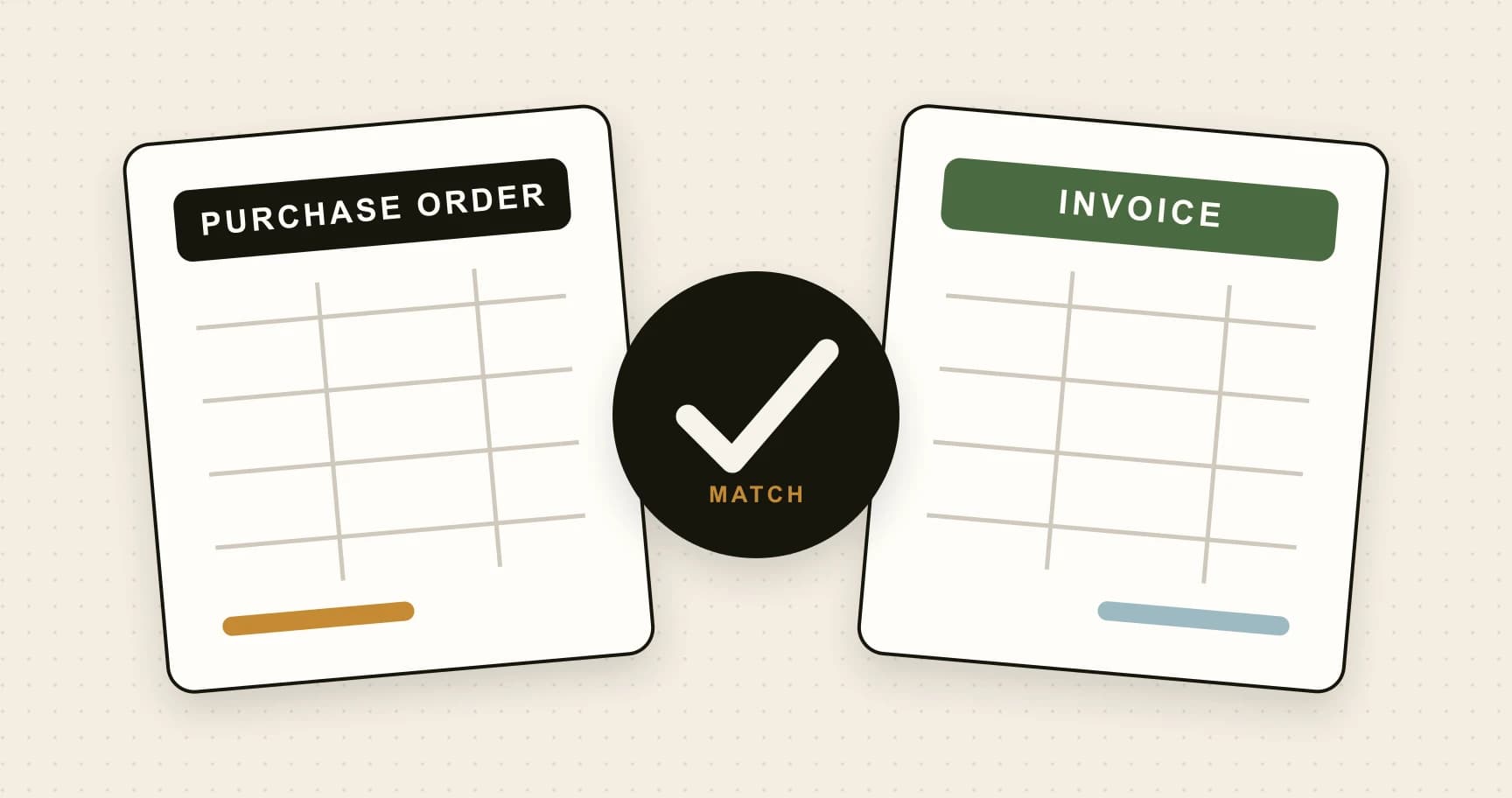
- Matching and coding. Connect the invoice to a purchase order or other evidence and assign account, tax, entity and department coding.
- Routing. Select the approver from supplier, value, cost centre, entity and exception rules.
- Decision. Give the approver the document and context needed to approve, reject or request correction.
- Accounting handoff. Prepare the approved invoice for the ledger while retaining the decision history.
For the wider operational route, read How to process an invoice from receipt to payment.
Design rules around authority and risk
Start with the person accountable for the budget or purchase. Add thresholds only where the value changes authority, and add sequential approval only where each stage makes a distinct decision. Three people clicking approve does not create three useful controls if none owns the purchase.
Known route
Recurring suppliers can follow a stable owner and coding route.
Authority threshold
Higher values can require a senior or additional approver.
Correct company
Only people with authority for the legal entity should decide.
Specialist review
Unknown suppliers, duplicates and mismatches stop with the right owner.
Prevent inappropriate self approval and make temporary delegation dated. The system should show who originally held the task, who acted as delegate and when that authority ends.
Make exceptions part of the workflow
An invoice with a missing purchase order, duplicate warning, changed bank detail or price variance should not leave the controlled route. It should stop with a reason, owner and permitted actions. The final record must show how the issue was resolved.
Rejections should be specific enough to act on. “Incorrect” creates another conversation; “quantity exceeds PO by 12 units confirm receipt or request a corrected invoice” gives the next owner a clear task.
Measure and improve approval performance
Track time from receipt to first review, time waiting with each approver, rejection reason, reassignment, overdue volume and post approval changes. Segment the results by route so one complex exception does not distort routine performance.
Remove approvals that do not add a decision, clarify recurring rejection reasons and configure absence cover before it is needed. For detailed advice on overdue tasks, see How to stop chasing employees for invoice approvals.
See how these controls work in ArrowBill invoice approval software, including the Team plan requirements. Compare AP automation pricing before choosing your invoice allowance and user capacity.
Route approvals with a visible audit trail
ArrowBill keeps invoice data, approvers, exceptions and decisions connected from receipt to accounting.
Frequently asked questions
What is an invoice approval workflow?
It is the controlled route an invoice follows from receipt and validation to coding, approval, accounting entry and readiness for payment.
Who should approve an invoice?
The approver should understand the purchase, hold sufficient authority and be independent of inappropriate self approval or payment release conflicts.
How many invoice approvals are necessary?
Use the fewest approvals that address the risk. Higher value, unusual or sensitive invoices may need additional approval, while routine low risk invoices should follow a shorter route.
What happens when an approver is absent?
A dated delegation or escalation rule should transfer the task to an authorised stand in while preserving the original route and audit history.
 Published guide
 Published guide
 Published guide