
Implementing AP automation means agreeing how people, documents and accounting records will move through a new process. Connecting the software is one task. A reliable launch also needs prepared supplier data, clear approval ownership, tested exports and a controlled changeover.
This checklist is for a UK finance team introducing an invoice workflow alongside an existing ledger such as Xero or QuickBooks Online. It is a suggested operating template: adapt the scope, owners and acceptance criteria to your business.
If you are still evaluating accounts payable software for your UK team, use these checks during the trial. They reveal the practical setup work before you commit to a wider rollout.
Explore ArrowBill: https://arrowbill.com.
1. Name the owner and choose a manageable first scope
Appoint a finance owner who can decide how invoices should be handled and who will resolve disagreements. Name a person responsible for the accounting connection and one responsible for communicating the new process to approvers.
Choose a first scope with enough variety to test the workflow but few enough moving parts to investigate failures. That might be one company, one department or a defined supplier group. Include ordinary and difficult invoices within that scope.
- Record the current invoice volume, active handling time and approval delays.
- Identify the accounting company, currencies and document types in scope.
- Agree where invoices arrive and who handles exceptions.
- State which process will release supplier payments.
- Write measurable pass conditions before configuring the system.
Separate a supplier payment project from an invoice-preparation project if they have different owners or systems. Publishing an approved bill does not itself settle the supplier.
2. Prepare supplier records and accounting mappings
Check duplicate or inactive suppliers before connecting the new queue. A familiar trading name may map to more than one supplier record. Decide which record is valid and who can create a new supplier when there is no match.
Confirm the active chart of accounts, tax codes and any tracking categories, classes or other reporting dimensions your accounting setup uses. Prepare a small set of examples showing the expected coding. Do not treat an extracted tax percentage as a complete accounting decision.
Agree how the original document will remain accessible. HMRC's record-keeping guidance covers retaining received VAT invoices and maintaining required digital records. Check that the proposed document storage and accounting connection fit your record-keeping process.
Ready to proceed: the team can explain which supplier and accounting references should be used for each pilot invoice, and can find the supporting document.
3. Define approval rules and exceptions before switching them on
Write down who can approve each kind of invoice and whether thresholds use net or gross amounts. Specify how currencies, missing purchase orders and unusual suppliers are handled. A rule such as “manager approval above £1,000” is incomplete until the manager, amount basis and fallback are clear.
Test an approver's absence, a rejected invoice, an amount changed after approval and an invoice that matches no rule. Decide who may change workflows and who checks those changes. Our AP controls guide covers the broader responsibilities.
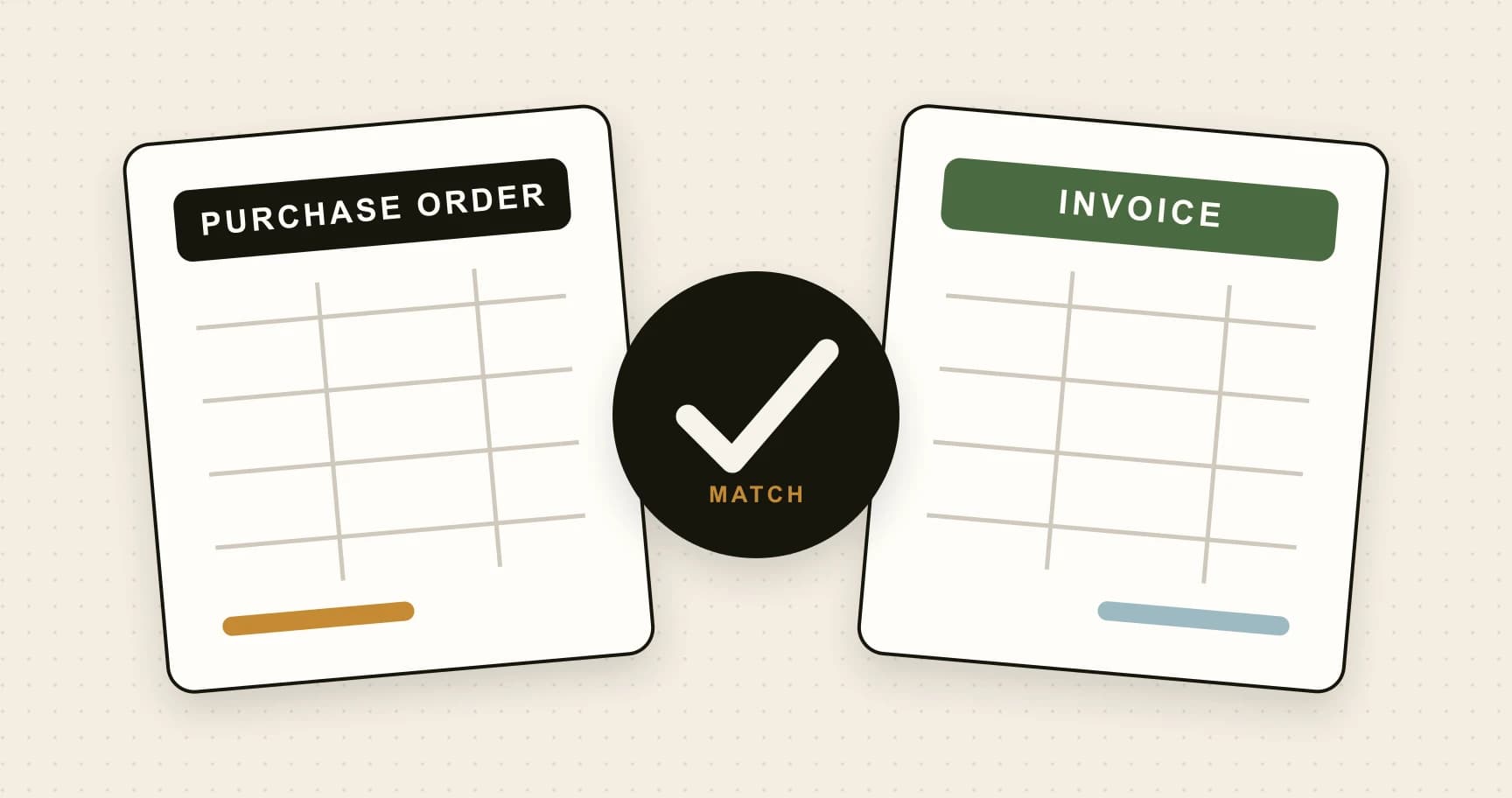
For PO matching, agree whether you need two-way or three-way matching, which records establish receipt, and who can approve a variance. Do not configure a generous tolerance simply to make exceptions disappear.
Ready to proceed: every pilot scenario has an authorised owner, a defined next step and a way to retain the decision.
4. Test the full journey and keep evidence
Use a test organisation or another agreed method that avoids creating duplicate liabilities in live accounts. If you compare the old and new processes in parallel, nominate just one route to create the actual accounting bill.
| Test | Owner | Evidence to retain |
|---|---|---|
| Invoice capture | AP processor | Source and reviewed fields, including all required lines. |
| Supplier and tax mapping | Finance reviewer | Expected and actual values in the destination bill. |
| Approval and absence cover | Workflow owner | Correct route, authorised decision and visible history. |
| PO variance or missing PO | Purchasing owner | Exception remains owned until resolved or authorised. |
| Duplicate document | AP processor | Warning investigated and no unintended second posting. |
| Failed export and retry | Integration owner | Confirmed destination status and exactly one bill. |
| Access removal | Administrator | Former user cannot access the restricted work. |
Add a date, result and issue owner to each check in your working log. A failed test needs a correction and another check before the affected workflow goes live. The invoice capture test pack gives you representative document cases.
For Xero and QuickBooks connections, inspect the actual bill, account and tax mappings, attachment and transaction reference. If a request times out, establish whether the bill already exists before retrying.
5. Give every in-flight invoice one processing route
The changeover creates a simple risk: an invoice already being handled in the old process arrives again in the new inbox. Create a register of unfinished invoices and choose where each one will be completed.
For example, a fictional team might find 23 invoices awaiting approval, seven awaiting supplier information and five already entered in the ledger. Their changeover register should distinguish all three groups. The five posted bills must not become new liabilities merely because their PDFs were forwarded again.
- Agree the cutover date and who monitors the old inbox afterwards.
- Assign each unfinished invoice to the old or new route and retain its reference.
- Explain the new submission and approval steps to staff.
- Identify who reviews failed imports, unresolved exceptions and duplicate warnings.
- Document the fallback process if the service or accounting connection is unavailable.
A fallback should preserve documents and decision evidence, record any manual postings and reconcile them before automated processing resumes. Restarting the integration must not mean resubmitting everything without checking.
6. Review the first live invoices and the first month end
During the initial rollout, review the queue frequently enough to catch problems before they accumulate. Track invoices with no owner, overdue approvals, repeated extraction corrections and failed exports. Give each recurring issue a person and a next action.
At the first month end, reconcile published invoices to accounting bills and check a sample back to the source and approval history. Compare active handling time and correction rates with the baseline you recorded. Expand the scope after the results and responsibilities are clear.
Use the AP software cost guide to compare actual review time with the original business case. Treat a shortfall as a prompt to investigate the workflow, not as a reason to redefine the measure.
When piloting ArrowBill, check the chosen plan against the intended process: Team includes approval workflows and two-way PO matching, while Solo serves a single-user capture and accounting workflow. The feature comparison shows the plan boundaries.
Put a small pilot through ArrowBill
Use your own invoices, approvers and accounting checks to assess the workflow.
Frequently asked questions
How long does AP automation implementation take?
It depends on supplier data, accounting mappings, entity count and approval complexity. Choose a manageable pilot and expand after the acceptance checks pass, rather than treating a fixed number of days as proof that the process is ready.
Who should own an AP automation rollout?
A named finance owner should be accountable for the workflow. Assign specific responsibility for supplier and accounting data, approvals, the integration, user access and staff communication.
Should the old and new AP processes run in parallel?
They can be compared during a controlled pilot, but only one agreed route should create each live accounting bill. Keep a register of in-flight invoices and reconcile manual postings before automated processing resumes.
What should be tested before going live?
Test capture, supplier and tax mapping, approvals, absence cover, exceptions, duplicates, failed exports and access removal. Retain the resulting accounting records and approval evidence, and resolve material failures before launch.
 Published guide
 Published guide
 Published guide