
Invoice capture software turns a supplier document into structured fields that a finance team can review and use. For a UK business, a useful evaluation checks multi-page PDFs, supplier references, line items, currency, tax information and the accounting record created afterwards.
The right question is how much reliable work the system completes before a person needs to intervene. A screen full of extracted text is less useful when finance still has to rebuild the invoice or find a missing page.
Capture is one stage of accounts payable automation for UK finance teams. Use the test pack below to assess it separately, then follow the result through approval and accounting publication.
Explore ArrowBill: https://arrowbill.com.
Understand the difference between OCR and invoice capture
Optical character recognition, or OCR, converts visible characters into machine-readable text. Invoice capture organises information into fields such as supplier, invoice number, dates, amounts and individual lines. Products may combine OCR, document parsing and other extraction methods.
Reading the characters correctly does not guarantee that the right value reaches the right field. A document may contain an invoice date, a delivery date and a due date. A six-page invoice may repeat a running subtotal on several pages. Test whether the result preserves the meaning of the document.
Also separate extraction from coding. Reading a tax amount is different from choosing the correct accounting tax code. Reading a supplier name is different from matching the right supplier record. Those later decisions need their own checks.
Use a small test pack that represents your real queue
Select examples you are authorised to use and remove unnecessary personal or sensitive information. Keep a checked reference copy of the expected fields and lines, so every product receives the same test. This is a suggested evaluation pack, not a statistically representative accuracy benchmark.
| Document | Check | Pass condition |
|---|---|---|
| Ordinary digital PDF | Supplier, reference, dates and totals. | Values match the source and remain editable. |
| Multi-page invoice | Lines continue across page breaks. | No missing lines or repeated carried-forward totals. |
| Scan or photograph | Unclear characters and image quality. | Uncertain values are identifiable during review. |
| Discount and delivery charge | Charges and deductions. | The reconstructed total agrees with the document. |
| Different VAT treatments | Tax fields and proposed coding. | Finance can review the mapping before publication. |
| Foreign-currency invoice | Currency and amounts. | The bill uses the intended currency and values. |
| Supplier credit note | Document type and sign. | The credit is identified and handled through a supported route. |
| Repeated invoice | Same document with a different filename. | A duplicate candidate is visible before a second posting. |
Include a known difficult supplier layout. If it represents a large share of your monthly volume, its correction time matters more than an impressive result on a layout you rarely receive.
Check line completeness, not just the final total
Suppose a fictional invoice contains 24 charge lines across three pages, a delivery charge and a final discount. The correct result must preserve every charge, apply the adjustment once and reconcile to the invoice total. A correct grand total alone cannot prove the line breakdown is usable.
- Count charge lines in the source and compare them with the captured lines.
- Inspect the last line of one page and the first line of the next.
- Check whether repeated column headings or subtotals became false items.
- Confirm descriptions, quantities and unit prices stay attached to the correct line.
- Recalculate the result after discounts, delivery and tax.
Check merged files too. A PDF with several pages of one invoice is different from a PDF containing several separate invoices. Ask which situation the product supports and what happens when documents must be separated. Do not infer support for automatic splitting from a multi-page capture claim.
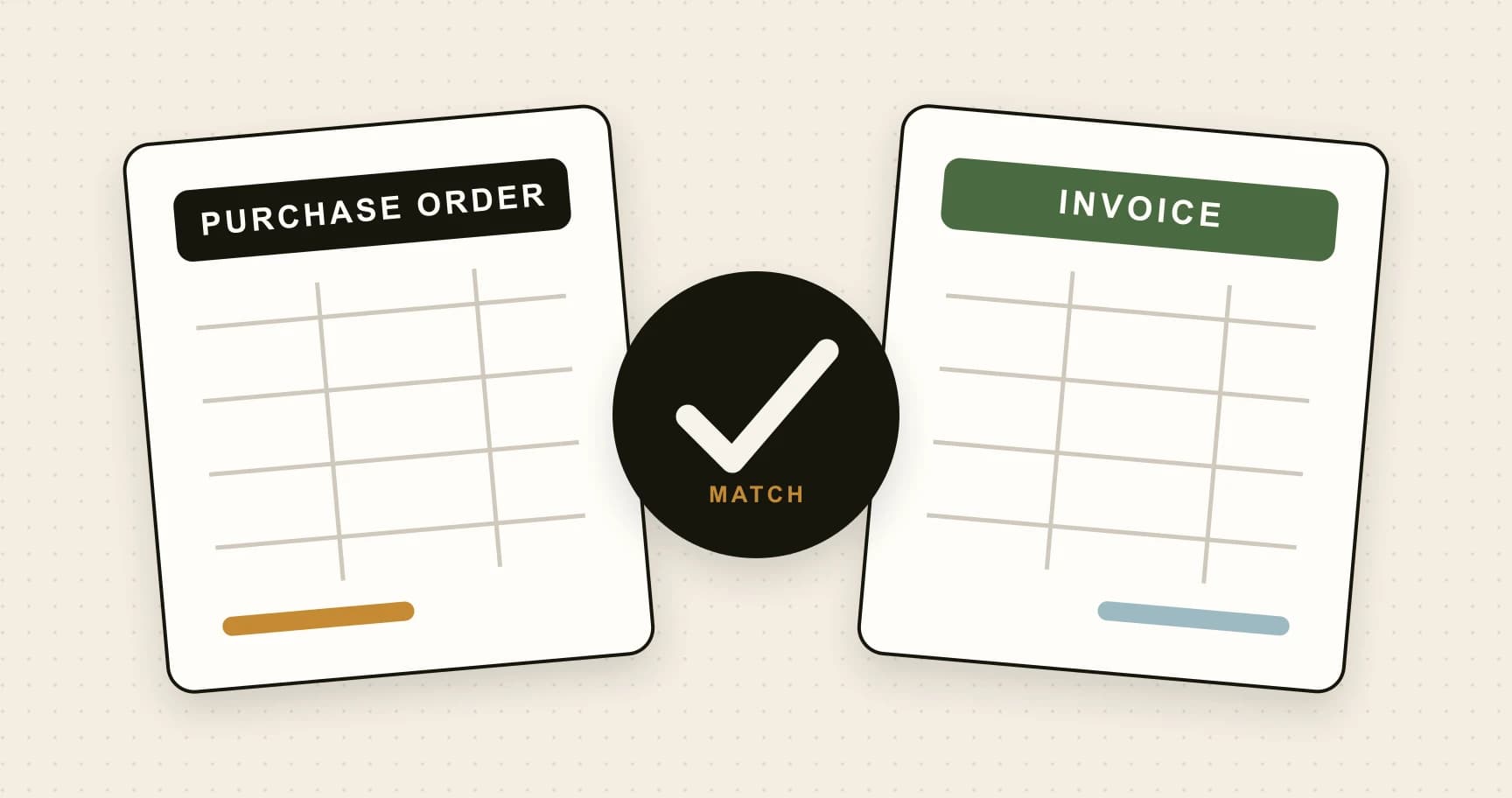
For purchase-order workflows, check whether captured lines contain enough detail to support the two-way matching process you intend to use.
Keep the original and review tax-related fields
HMRC's VAT record-keeping guidance includes retaining received invoices, as originals or electronic copies, alongside required accounting records. A useful capture workflow keeps the source accessible and connects it to the resulting bill.
Check supplier identity, invoice reference, currency, dates, net amounts and tax amounts against the document. Preserve leading zeros in references and test an ambiguous date such as 04/05/2026. The reviewer must be able to resolve the intended date instead of silently accepting a format assumption.
Have the responsible finance person review tax-code mapping in the accounting system. Extraction does not determine whether VAT is recoverable or prove that an invoice is valid. A missing required detail should become a query, not an invented value.
Measure correction effort and complete invoices
Track whether the fields your process requires are correct, whether the lines are complete, and how long a person spends making the result usable. Count an invoice as correct without edits only when all required fields and lines pass review.
For example, if 12 of 20 test invoices need no correction, report “12 of 20 in this test pack”. Do not turn that small sample into a general accuracy claim. Record why the other eight needed work; repeated supplier mismatches demand a different fix from unreadable scans.
- Correction time: active minutes spent repairing extracted data.
- Line completeness: missing, duplicated or wrongly grouped items.
- Review visibility: how easily a person spots uncertain information.
- Publication result: whether the final bill agrees with the reviewed document.
Inspect the actual bill and attachment in Xero or QuickBooks Online. A successful upload is only the start of the workflow. Confirm how failed exports and retries are handled before processing live volumes.
Choose capture that fits the rest of your AP process
If one person reviews and records every bill, straightforward extraction and accounting publication may meet the need. If department managers authorise spend, capture must feed an approval process with clear ownership. Use the AP software versus accounting software guide to decide where each responsibility belongs.
ArrowBill supports multi-page invoice capture, header and line-item extraction, review and publication to Xero or QuickBooks Online. Team adds approval workflows and two-way PO matching. Test those capabilities with the same pack you use for every shortlisted product, and confirm plan details on the features page.
Once the trial shows realistic correction time, use the AP software cost worksheet to compare the subscription with the work it changes. Use the implementation checklist to plan the first live invoices.
Try your own supplier invoices
Inspect extraction, review and the accounting handoff with representative documents.
Frequently asked questions
What is invoice capture software?
It turns invoice documents into structured fields and line items that can be reviewed and used in an accounts payable workflow. Check how it handles uncertain values, source documents and the accounting handoff.
Can invoice capture software read multi-page PDFs?
Some products can, including ArrowBill. Test line continuity, repeated headings, carried-forward totals and final adjustments. Multi-page support does not automatically mean a product can split several invoices bundled into one PDF.
Does invoice OCR remove the need for review?
No. Extraction can misread characters or assign a correct value to the wrong field. Review remains important for uncertain data, supplier matching, tax coding and documents that do not reconcile.
How should I compare invoice capture accuracy?
Use the same representative documents and a checked reference for each tool. Record correct required fields, complete lines, correction time and the final accounting result. Describe the sample size rather than presenting a small trial as a universal accuracy rate.
 Published guide
 Published guide
 Published guide