
Accounting software records the financial position of your business. Accounts payable software focuses on how supplier invoices are collected, checked, approved and prepared for that ledger. Their capabilities overlap, so you do not automatically need a separate AP product.
Start with the problem you can observe. If invoices are entered correctly, approvals are traceable and the team can see what is waiting, your current setup may be sufficient. If finance keeps rebuilding invoice lines or searching email for permission to post a bill, a dedicated workflow is worth evaluating.
This guide explains where ArrowBill's accounts payable software fits alongside an accounting system and gives you a practical way to decide whether an extra application earns its place.
Explore ArrowBill: https://arrowbill.com.
Separate the accounting record from the work before it
A supplier invoice needs both an operational decision and an accounting record. Someone must establish whether the supplier, goods or services, amount and coding are correct. The business must then record the liability and keep payment and reconciliation records consistent.
| Responsibility | Accounting software | Dedicated AP software |
|---|---|---|
| Financial records | Maintains the ledger, balances and reporting. | Prepares or sends invoice records to the ledger. |
| Invoice capture | May include upload and extraction tools. | Often provides a dedicated intake and review queue. |
| Approvals | Available workflows vary by edition and plan. | May add detailed routing, delegation and exception ownership. |
| PO matching | Check the purchasing and matching features available. | May compare invoice lines with purchase orders or receipts. |
| Payments | Records payments; payment services vary. | Some products execute payments; others stop at approved bills. |
| Reporting | Financial statements and accounting reports. | Processing status, outstanding approvals and workflow history. |
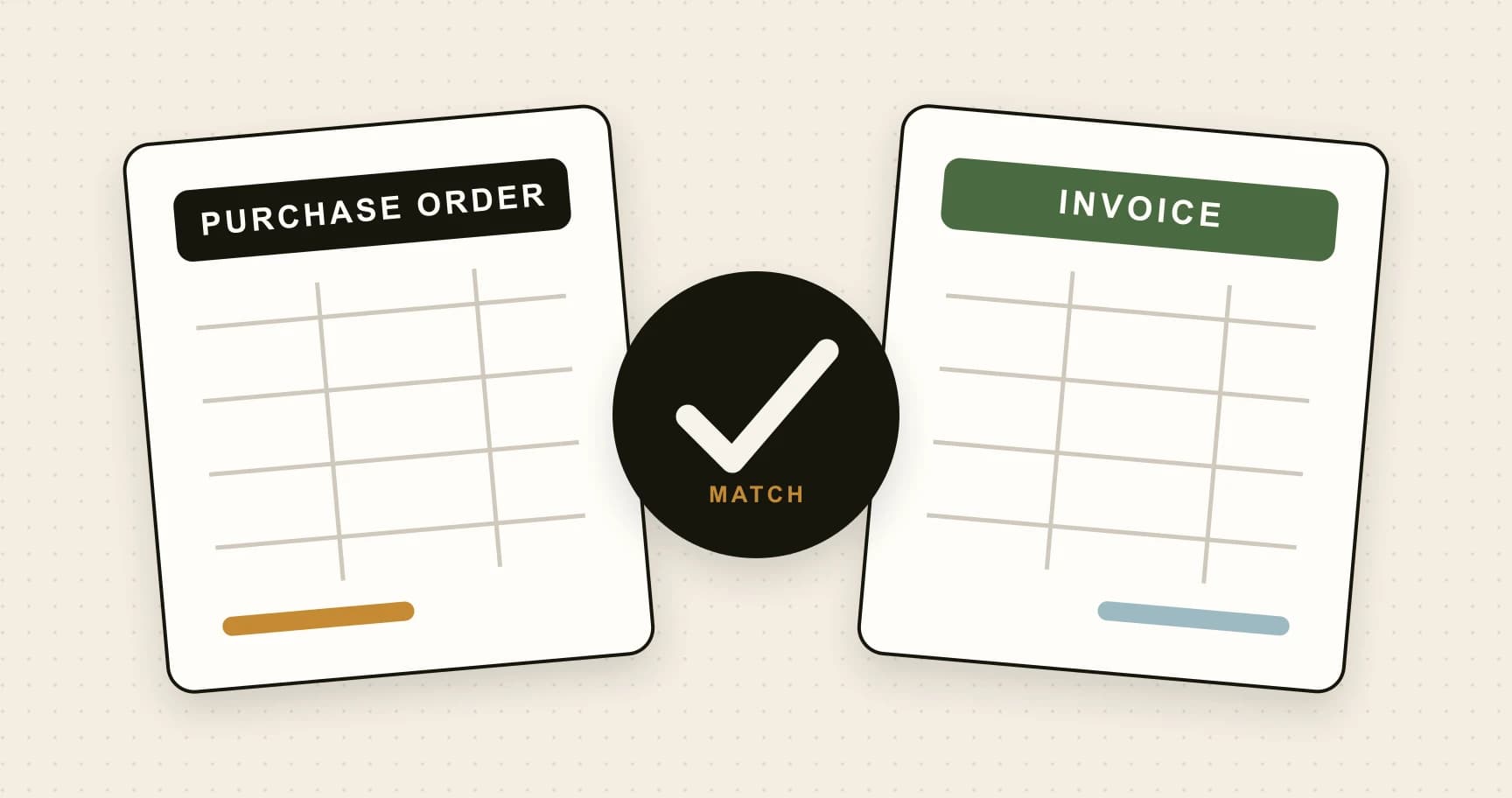
Use this as a responsibility map, not a claim that every AP product supports every row. In particular, two-way matching compares an invoice and purchase order; three-way matching also includes receiving evidence. ArrowBill offers two-way PO matching on Team.
Check what Xero or QuickBooks already provides
Accounting systems are not simply blank ledgers. Xero's UK bill-management page describes bill entry, bill tracking and payment features. Intuit's UK AP automation guidance describes uploading bills, extracting information and reviewing it before saving; availability depends on the account and rollout.
Before buying another application, run a few real invoices through the tools available in your own subscription. Check the exact approval options, user permissions, document handling and purchasing support. Features advertised for another country or edition may not describe your account.
Ask the person who actually prepares bills to do the test. A feature can exist but still leave too much manual work for your document types. Conversely, a modest change to the current process may solve the problem without an extra subscription.
When your accounting system may be enough
Consider staying with the existing setup when one responsible person handles a manageable invoice queue, source documents are retained with the bills and approvals can be evidenced clearly. The important question is whether the process works reliably at your volume.
- Invoices reach a known inbox and are entered promptly.
- Reviewers can check the source, supplier, amounts and coding without reconstructing information.
- The business can identify who authorised a purchase or bill.
- Duplicate checks and payment controls are understood.
- Absences do not leave finance unable to find decisions or documents.
There is no universal invoice count that makes a separate product necessary. Fifty complicated invoices across several departments can demand more coordination than a larger set of predictable monthly charges.
When a separate AP workflow can be useful
You repeatedly rebuild line items
If one invoice contains several departments, projects or purchases, a total-only entry may leave substantial coding work. Test line-level extraction and review with the invoice capture evaluation guide.
Approval is spread across email threads
A dedicated queue can make ownership and status clearer. Test the rules you need: value thresholds, more than one approver, absence cover and what happens when nobody matches a route. The invoice approval workflow guide explains the individual steps.
Exceptions disappear between people
A missing PO, disputed line or unknown supplier needs an owner and a next action. If staff maintain a parallel spreadsheet just to track these questions, assess whether the proposed AP system makes that register unnecessary.
Your approval boundary needs to be clearer
Agree whether a bill is published before or after approval, what changes require another decision, and who can bypass the normal route. An additional application helps only if those boundaries are configured and understood.
Example: a supplier bill with three department owners
Imagine a fictional UK business receiving a £1,800 supplier invoice covering three departments. Finance can record that bill in its accounting system. The coordination problem is confirming each department's charge and retaining the decisions before the final coding is published.
- Capture the invoice once and keep the original document.
- Review the supplier, reference, lines and totals.
- Route the relevant review to the authorised department owners.
- Resolve a disputed line without losing the other decisions.
- Publish the reviewed bill with agreed coding into the correct accounting company.
- Use the existing payment and reconciliation process to settle it.
That is a test scenario, not a claim that all software supports line-specific approvals. Ask the vendor to demonstrate the exact route your business needs. Check the final bill and history, including what happens if the amount changes after someone has approved it.
For the integration checks behind this handoff, use our Xero and QuickBooks AP automation guide.
Make the extra subscription justify itself
Write down three current problems and a pass condition for each. For example: finance should see the owner of every pending invoice; a multi-page bill should retain all required lines; every published record should be traceable to one accounting bill.
Run the same sample through your current process and the proposed alternative. Compare active handling time, corrections, approval visibility and ongoing administration. Use the UK AP software cost guide to turn the results into a budget.
ArrowBill captures and reviews supplier invoices and publishes bills to Xero or QuickBooks Online. Team adds approval workflows and two-way PO matching. Your accounting platform remains the ledger, and supplier payment remains outside ArrowBill.
If those functions address your gaps, include it in a trial. If you are comparing several providers, our small-business AP software comparison sets out documented capabilities and limitations.
See how ArrowBill fits your process
Review the route from supplier invoice to your accounting system.
Frequently asked questions
Is accounts payable software the same as accounting software?
They overlap, but have different primary roles. Accounting software maintains financial records and reporting. Dedicated AP software focuses on supplier-invoice intake, review, approval and the handoff into those records.
Do I need AP software if I already use Xero or QuickBooks?
Only if it solves a gap in your current process. Test the bill-management features in your own subscription first, then assess whether additional capture, approval or exception handling justifies another application.
Does ArrowBill replace Xero or QuickBooks?
No. ArrowBill prepares and publishes supplier bills into Xero or QuickBooks Online. The accounting platform remains the ledger, while your established payment process handles supplier settlement.
Does every AP automation product make supplier payments?
No. Some products include payment services, while others focus on capture, approval and accounting publication. Check the exact scope, charges and authorisation controls before choosing a product.
 Published guide
 Published guide
 Published guide