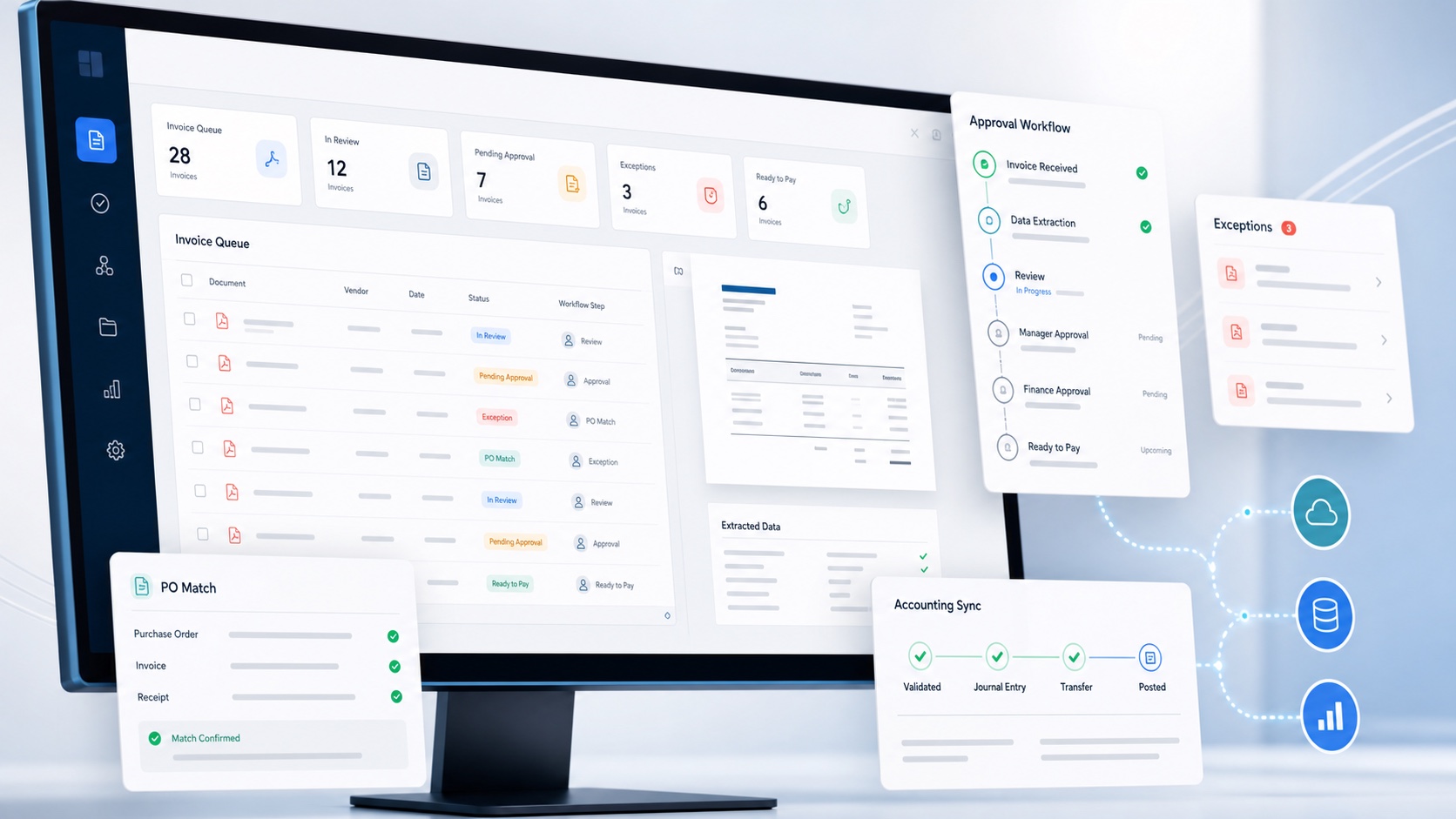
Accounts payable automation software moves supplier invoices through capture, checking, coding, approval and accounting with less repetitive handling. It gives finance teams a controlled workspace for the steps that otherwise sit across email, spreadsheets, shared folders and an accounting ledger.
The software does not make every decision on behalf of the business. Its job is to collect the invoice, turn it into usable data, apply repeatable checks, put the right information in front of the right person and preserve what happened. People still own supplier verification, policy, exceptions, approval judgement and payment authority.
Accounts payable automation software: a practical definition
Accounts payable automation software is a system that digitises and coordinates supplier invoice processing from receipt to an approved accounting record, using extraction, validation, workflow rules and integrations to reduce manual entry and chasing.
Traditional AP work often requires someone to open an attachment, type the supplier and amounts into a spreadsheet or ledger, email a manager, follow up, then re enter or correct the same information. Automation replaces that movement with one record and a defined route.
The result should be more than optical character recognition. OCR reads a document; AP automation connects what was read to suppliers, purchase evidence, coding, approvers, exceptions and the accounting system.
How automated invoice processing works
- Capture. Invoices arrive through email, upload, scan or another controlled channel.
- Extract. The system reads header fields, dates, totals, tax and line item data while retaining the source document.
- Validate. Rules check required fields, arithmetic, supplier identity, possible duplicates and purchasing evidence.
- Code and match. Finance reviews account and tax codes and, where relevant, matches lines to a purchase order.
- Approve. The invoice follows authority rules based on value, supplier, department, entity or exception.
- Record. An approved bill and its supporting detail are prepared for the accounting platform.
A strong implementation keeps these stages connected. If staff must export a spreadsheet between extraction and approval, or search email for the reason an exception was released, the process remains only partly automated.
Core features to expect
One controlled inbox
Email forwarding and document upload bring invoices into the same queue with the original file and receipt time intact.
Header and line item data
Useful automation reads more than the total. It captures descriptions, quantities, prices, discounts, tax and coding inputs.
Checks and exceptions
Duplicate, supplier, amount and purchase order issues are surfaced before an invoice quietly reaches payment.
Approval routing
Rules assign accountable approvers, support delegation and retain every decision instead of relying on an email chain.
Accounting integration also needs depth. Confirm how the product maps suppliers, account codes, tax rates, tracking fields, currencies, attachments and status. A logo on an integrations page does not prove the bill will be created the way your team needs it.
What AP automation improves
The immediate benefit is capacity: less rekeying, filing and chasing means the same team can handle more invoices. The more important benefit is consistency. Required checks run in the same place, exceptions have owners, approval authority is visible and the audit trail does not depend on one employee's inbox.
These gains are measurable. Track touch time per invoice, first pass extraction quality, exception rate, approval cycle time, duplicate warnings, overdue invoices and corrections after posting. A shorter cycle is useful only if accuracy and control remain sound.
Examples of AP automation in everyday work
A supplier sends a five page invoice to the finance inbox. The software creates a record, retains the PDF and reads the supplier, reference, dates, currency, totals and individual lines. It matches the supplier to the accounting record, checks for similar invoice numbers and presents lower confidence fields for review. Finance corrects one description, confirms the account and tax codes and sends the invoice to the budget owner. The approval and comment remain attached when the bill is prepared for accounting.
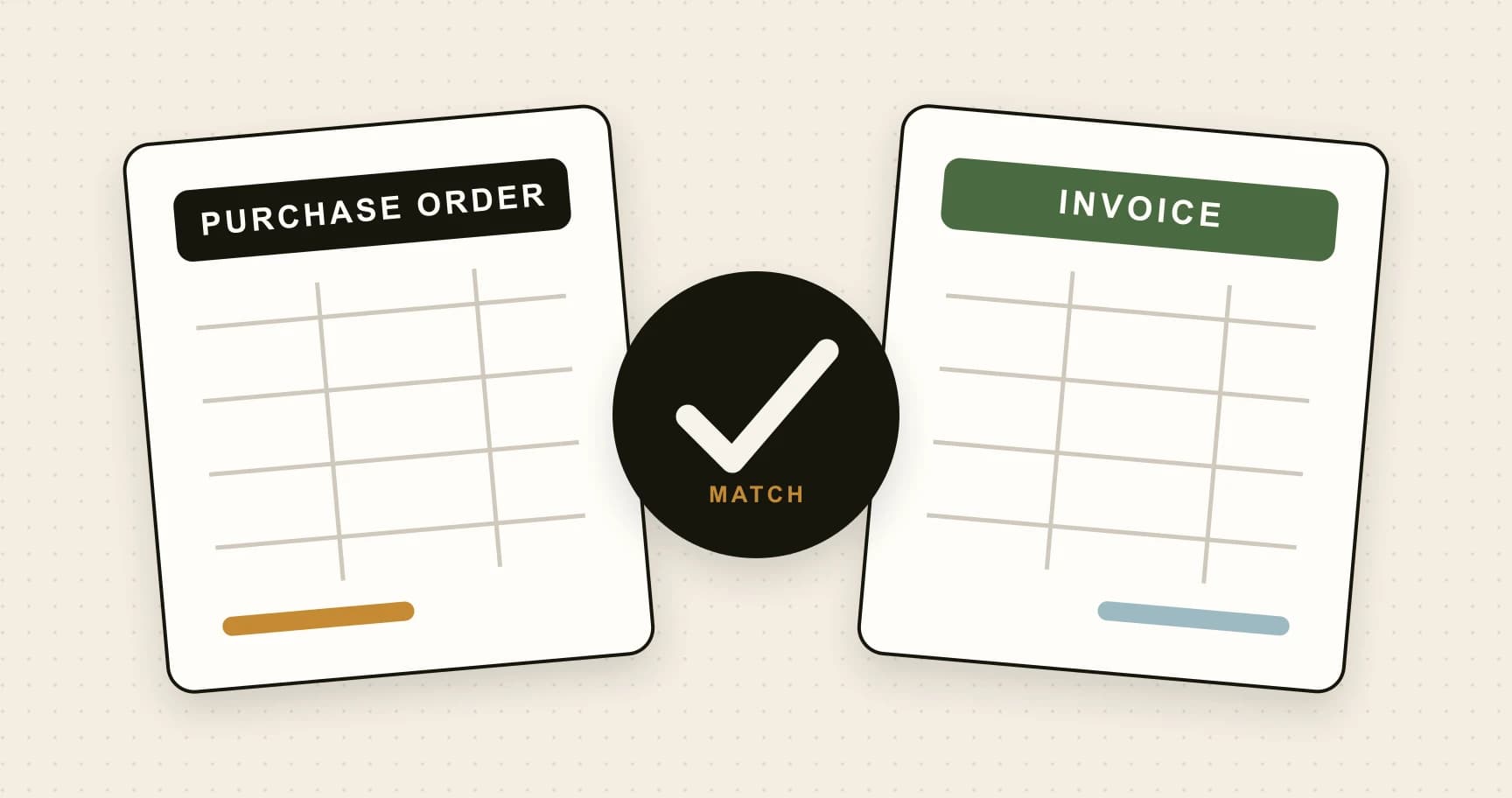
A second invoice references a purchase order but bills more units than remain open. Instead of letting the discrepancy disappear inside a total, line level matching raises an exception. The buyer confirms that an order amendment is missing, purchasing updates the authorised order and finance reruns the match. The record shows the original variance, the correction and the subsequent approval.
A third invoice arrives while its usual approver is on leave. A dated delegation sends the task to an authorised stand in without changing the permanent rule. The audit trail identifies the original approver, delegate, decision and delegation period. No one needs to forward the attachment through a private email chain.
These examples illustrate the boundary between automation and judgement. Software performs capture, comparison, routing and record keeping. People correct uncertainty, explain commercial differences and exercise authority.
Different types of accounts payable software
Capture tools focus on receiving documents and extracting fields. They can be valuable when rekeying is the dominant problem, but buyers should check whether approval, exception handling and accounting publication are native or depend on another product.
End to end AP workflow tools connect capture with supplier matching, coding, approval and ledger handoff. They suit teams that want one record across the invoice lifecycle without introducing a complete purchasing or payment platform.
Procure to pay suites start earlier with requisitions, budgets and purchase orders and may continue through payment. Their breadth can be appropriate for complex organisations, although implementation, administration and commercial commitments may exceed what a smaller team needs.
Accounting platform features and add ons can provide convenient basic bill capture. Their advantage is proximity to the ledger; their limitations may appear when a business needs line level review, sophisticated authority rules, multi entity separation or an audit trail outside the accounting file.
The categories overlap, and a product label does not establish capability. Follow a real invoice through the proposed system and identify where information changes hands, where a user re enters data and which system owns the final record.
Also distinguish workflow automation from payment automation. An AP system may prepare an approved liability without initiating a bank transfer. If payments are included, assess beneficiary verification, payment file controls, dual authorisation and reconciliation as a separate high risk capability.
Security and control considerations
Invoices can contain names, addresses, bank details, tax information and commercially sensitive purchases. Review where documents and metadata are processed, which subprocessors are involved, how long information is retained and how deletion or export works. Confirm encryption expectations, incident handling and the controls around support access.
Use individual accounts, multi factor authentication and role based permissions. A preparer should not receive broad administration rights merely to code invoices. Restrict access by legal entity where staff do not need group wide visibility, and review privileged access more often than ordinary read access.
Integration credentials also need ownership. Record who can connect or disconnect Xero or QuickBooks, change mappings and retry publication. An audit log is useful only when it covers configuration and access changes as well as invoice decisions.
Plan for service interruption. A documented continuity process may allow urgent invoices to proceed, but it should preserve approval evidence and be reconciled back into the primary workflow. An outage should not create an unmonitored second AP process.
How AP automation is implemented
Implementation begins with reference data, not software configuration. Clean active suppliers, account codes, tax rates, tracking dimensions, entities and user identities. Decide which system owns each record so the automation layer does not create competing versions.
Map the existing process from receipt to accounting and payment. Identify every handoff, required field, decision, common exception and source of delay. Then design the smallest controlled future route. A routine invoice may need one review and one commercial approval; an unknown supplier or high value exception may require independent checks and additional authority.
- Prepare. Confirm scope, owners, reference data, security requirements and success measures.
- Configure. Connect invoice channels, accounting data, roles, approval rules and exception routes.
- Test. Use representative invoices and compare every resulting field and decision with the expected outcome.
- Pilot. Start with a controlled supplier or team group and reconcile every published record.
- Expand. Add volume, entities and more complex routes only after recurring issues are corrected.
Training should follow responsibilities. Preparers need to understand extraction and exceptions; approvers need to know what their decision confirms; administrators need change control and access review expectations. Everyone should know how to report a suspected duplicate, fraudulent supplier message or incorrect accounting result.
How to measure whether automation is working
Establish a baseline before launch. Measure invoice volume, active handling time, elapsed approval time, error and duplicate rates, overdue invoices, supplier enquiries and corrections after posting. Without a baseline, it is easy to mistake a new dashboard for a better process.
After launch, separate routine invoices from exceptions. Averages can hide a smooth standard route and a small group of invoices that wait for days. Review the reasons: missing purchase orders, poor supplier references, unavailable approvers, invalid coding or unclear ownership.
Quality measures should sit beside speed. Monitor how often extracted fields are corrected, how many warnings are overridden, whether bills reconcile with the source document and whether access or rule changes are independently reviewed. The objective is controlled throughput, not clicks per minute.
Use the findings to improve upstream behaviour. A recurring missing PO may need a purchasing change; repeated supplier mismatches may require cleaner master data; repeated delegation may show that the permanent approval route is unrealistic.
What the software cannot safely replace
Automation cannot decide whether a new supplier is genuine, whether a surprising purchase was commercially justified or whether an unclear policy is appropriate. It can present evidence and enforce a configured rule, but it cannot repair weak ownership.
Extraction also needs review. Clear invoices may flow quickly, while low confidence or unusual documents should stop. The best design uses automation to focus human attention rather than pretending every document is certain.
How to choose and introduce AP automation
Start with the real process and its failure points. Count invoices, channels, entities, currencies, accounting platforms, approvers and common exceptions. Decide which information must be present before approval and who owns each exception.
Test shortlisted products with representative invoices rather than a polished demo set. Include multi page invoices, credits, discounts, unusual tax, duplicate candidates, missing purchase orders and an absent approver. Follow the final record into Xero or QuickBooks and inspect it.
For a detailed selection framework, read How to choose the right AP automation software. If you are comparing systems for a smaller team, continue with the UK small business AP automation guide.
See the complete ArrowBill workflow
Capture invoices, review line item coding, route approvals and prepare approved bills for Xero or QuickBooks Online.
Frequently asked questions
What does accounts payable automation software do?
It captures supplier invoices, extracts and validates invoice data, routes approvals, records decisions and prepares approved bills for the accounting system.
Does AP automation replace the finance team?
No. It removes repetitive handling and applies workflow rules, while finance staff retain responsibility for exceptions, coding judgement, approval policy and payment controls.
Which AP tasks can be automated?
Common candidates include invoice capture, data extraction, duplicate checks, supplier matching, coding suggestions, purchase order matching, approval routing, reminders and accounting export.
How long does AP automation take to implement?
A focused small business workflow can often be configured quickly, but timing depends on supplier data, accounting integration, approval rules, testing and the complexity of existing processes.
 Published guide
 Published guide
 Published guide